ESL Noncredit
Lifelong Learning
Noncredit Business Life Skills
Parent Education
Printable pdf: How to Forward Student Email to Personal Email
Before you begin, make sure you have:
STEP 1: Go to www.glendale.edu and then click on Student Email then login using your student email address and password.
STEP 2: Click on the gear icon in the top right of your page.
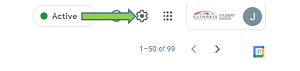
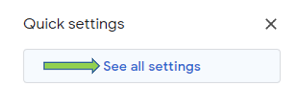
STEP 3: Then click on See all settings
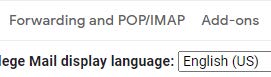
STEP 4: From the top menu, click on Forwarding and POP/IMAP
STEP 5: In the Forwarding box, click on the box Add a forwarding address

STEP 6: Enter your personal email address that you want your student emails forwarded to
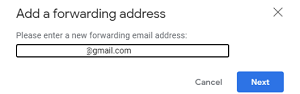
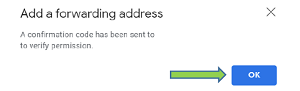
STEP 7: Click on Proceed then click on OK
STEP 8: Go to your personal email and click on the link to
confirm forwarding
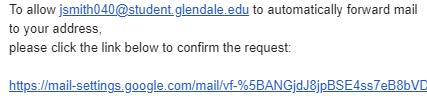
STEP 9: Click on Confirm to complete the forwarding process

Congratulations!
Your student email is now being forwarded to your personal email.